
Digital accessibility is not a checkbox—it’s a commitment to making learning spaces usable and welcoming for everyone. At Tacoma Community College (TCC), I created and developed the Introduction to Digital Accessibility (iDA, pronounced “ai-duh”) course to give educators a practical foundation in accessibility standards and tools. More importantly, the course helps participants connect those standards with empathy, context, and the human experience of learning.
While AI tools can run automated scans and flag issues quickly, they cannot replace the judgment and care required to design inclusively. In iDA, we acknowledge the utility of AI for efficiency but emphasize that accessibility only becomes meaningful when combined with human insight, cultural awareness, and respect for diverse learners.
Building the iDA Course
The course was designed to be short, approachable, and actionable—something staff could complete in a reasonable time while walking away with skills they could immediately apply. It provides:
- A grounding in legal and institutional requirements.
- Hands-on practice with tools that evaluate accessibility.
- Reflections on how AI can support—but not substitute—the human role in creating inclusive learning environments.

From Orientation to Practice
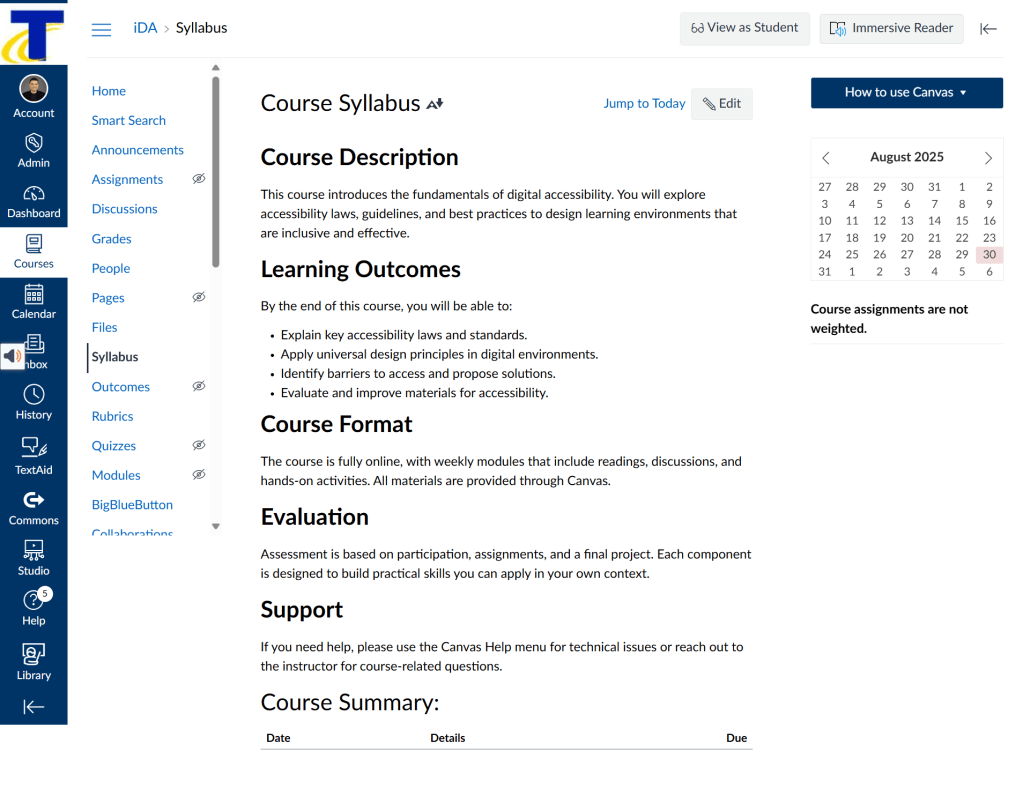
The Welcome and Overview page sets the tone by connecting accessibility to student success. It frames accessibility not as a compliance task, but as part of our responsibility as educators to design environments where every learner can participate fully.

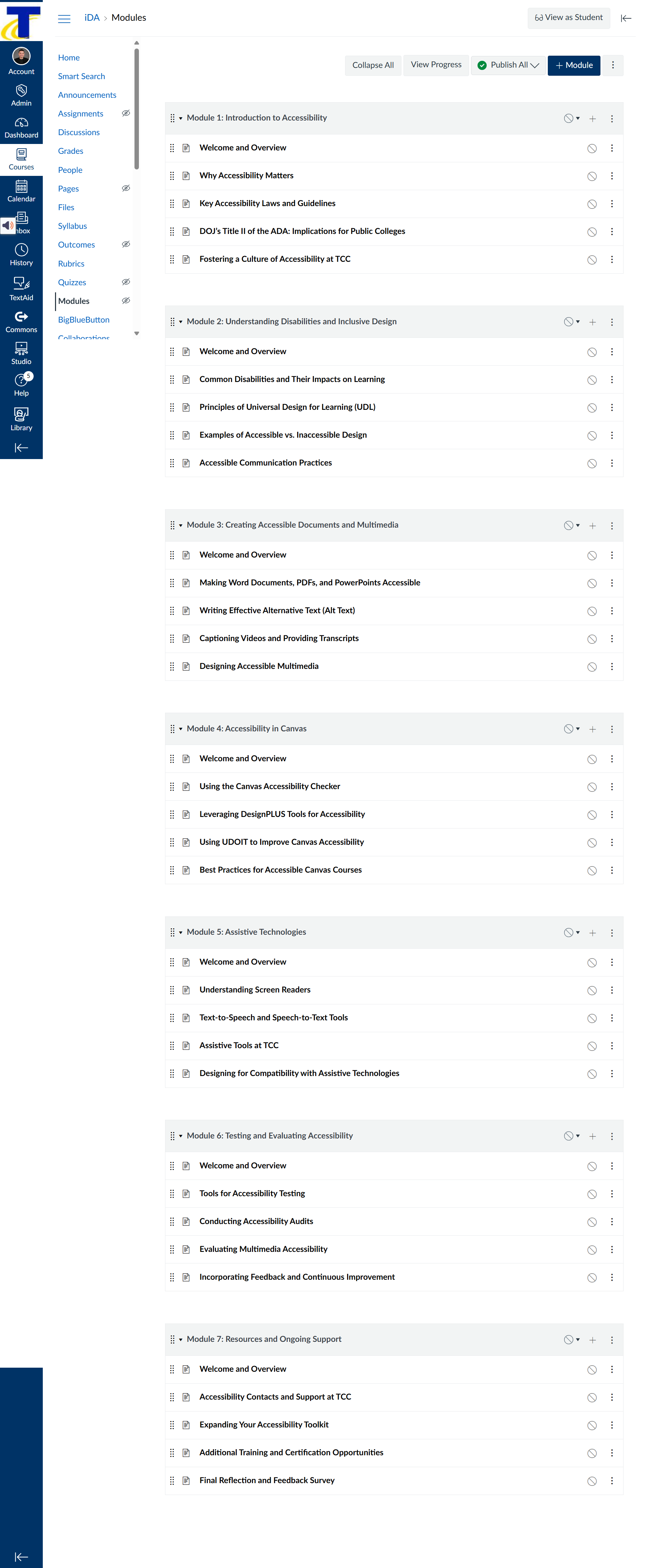
Modules then guide participants through accessible design practices in sequence—from understanding the “why” to applying the “how.” Each section combines short readings, examples, and opportunities to test knowledge.
Applying What We Learn
Assignments in iDA are practical and context-driven. Participants check documents, media, and Canvas pages against accessibility guidelines, then reflect on how adjustments improve the learning experience for others.
AI tools are introduced here as assistants—for instance, checking contrast ratios or scanning PDFs for tagging issues. But the course underscores that these outputs must be interpreted thoughtfully. A page may “pass” an AI-driven scan while still being confusing, overwhelming, or culturally insensitive. True accessibility emerges when we bring human judgment into the process.
Human + AI = Better Design
In designing iDA, I wanted to model the kind of balance we talk about so often in Human-AI Alchemist: using machines for what they do best (efficiency, detection, consistency) while affirming the irreplaceable role of humans in empathy, creativity, and ethical decision-making.
AI helps us catch errors at scale; people ensure accessibility is not just technical but human-centered. The alignment of these two capacities—machine speed and human care—is what allows us to build classrooms, digital or otherwise, that everyone can enter with dignity.
Aligning Human & Machine
The Introduction to Digital Accessibility (iDA) course represents one step in TCC’s broader commitment to inclusive teaching and learning. It equips staff with the tools and perspectives they need to embed accessibility into everyday practice. Just as importantly, it demonstrates that accessibility is not a siloed responsibility—it’s a shared ethic, supported by both technological tools and human intention.
By aligning human and machine, we can move from minimum compliance to meaningful inclusion. And that, ultimately, is what accessibility—and education itself—should be about.

 Joni Gutierrez, Ph.D.
Leave a comment